




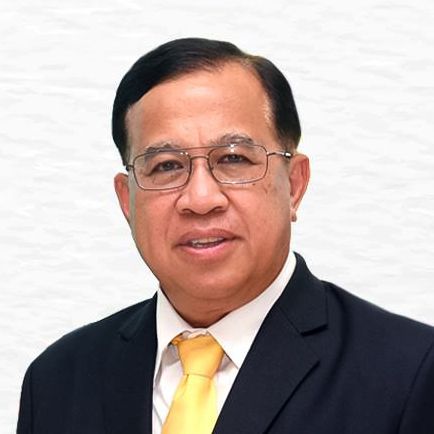
นพ.วชิระ เพ็งจันทร์
“ความสุขสนุกของ นศพ. มข. รุ่นเลขตัวเดียว คือนอกจากเราได้ร่ำเรียนวิทยาการทางการแพทย์แล้ว เรายังได้เรียนวิชาสร้างเสริมประสบการณ์ชีวิตไปด้วย เพราะพวกเรามีความสัมพันธ์ที่ใกล้ชิดกับอาจารย์มาก เรามีความสนิทสนมระหว่างนศพ. ด้วยกัน ทั้งเพื่อน พี่ และ น้องผ่านกิจกรรมต่างๆ ที่มีให้เลือกมากมาย”
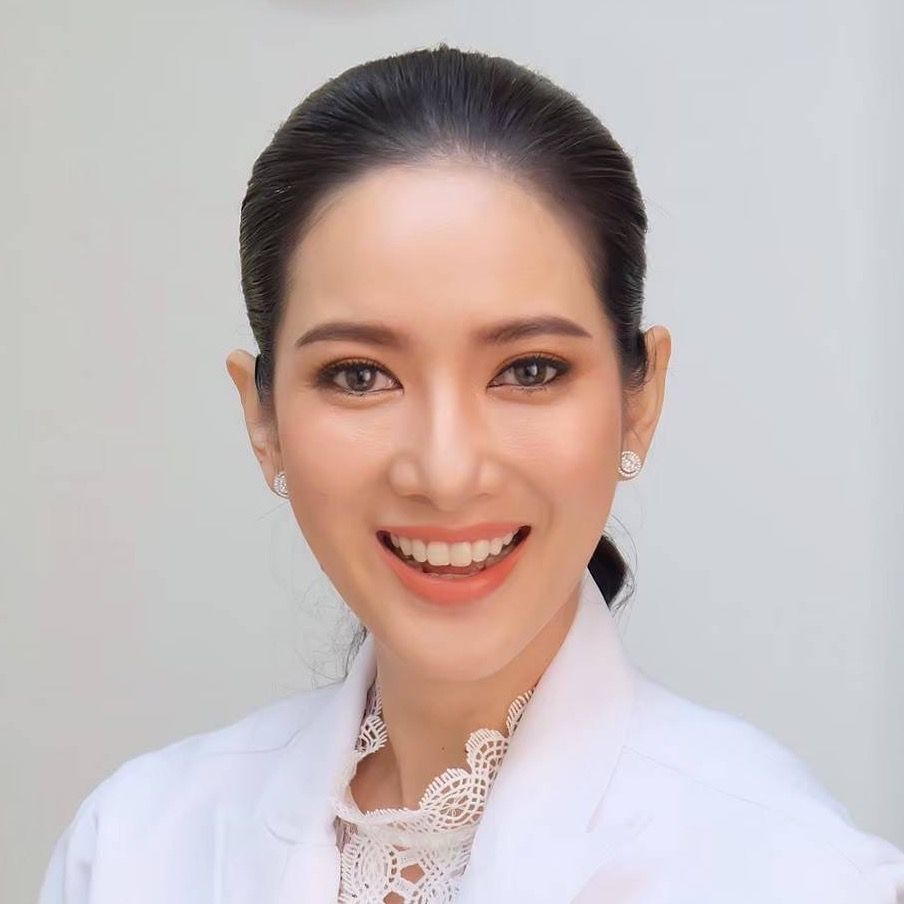
พญ.กอบกุลยา จึงประเสริฐศรี
“อบอุ่นใจและภาคภูมิใจทุกครั้งที่ได้กล่าวถึง คณะแพทยศาสตร์ มหาวิทยาลัยขอนแก่น สถาบันที่หล่อหลอมให้กลมเกลียว อดทน มีวินัย มุ่งมั่นรักษาคนไข้เพื่อประโยชน์สูงสุดแก่ปวงชน”
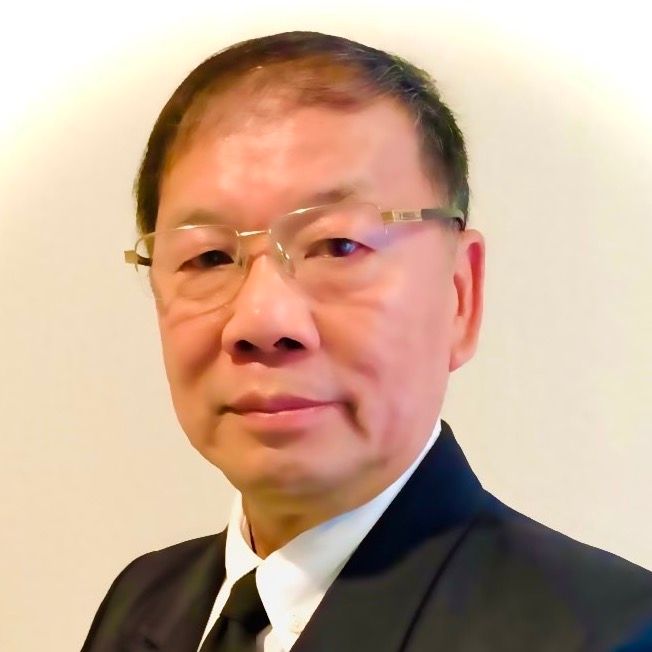
ศ.นพ.วีระชัย โควสุวรรณ
“Physicians are educated to act creatively and independently with a focus on best serving the individual patient.”
ร.นพ.อิทธิพล สูงแข็ง
“รู้สึกภาคภูมิใจเป็นอย่างยิ่งที่ได้เข้าศึกษาในคณะแพทย์หนึ่งเดียวของภาคอีสานในขณะนั้นเมื่อปี 2519 เป็นคณะแพทย์แห่งแรกของประเทศที่จัดการเรียนการสอนแบบ Integrated Basic Medical Science และ Problem Based Learning ซึ่งเป็นแม่แบบให้คณะแพทย์อื่นๆ เดินรอยตาม”
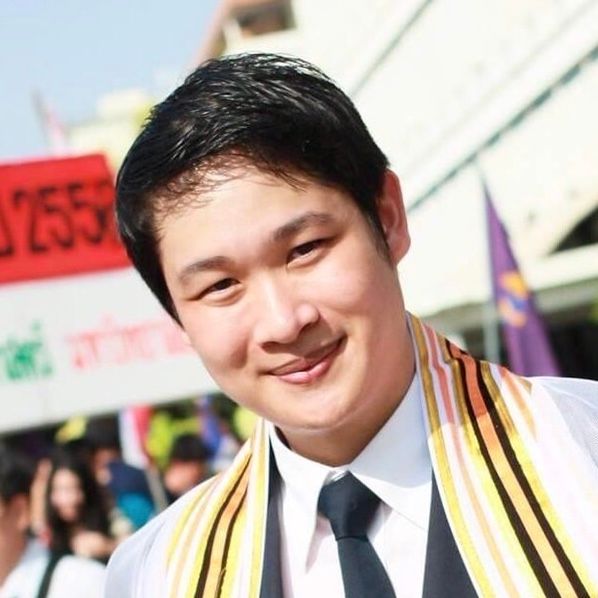
นพ.พจน์ ลาภะสัมปันโน
“ในวันที่ผมเปิดหน่วยผ่าตัดหลอดเลือด ณ โรงพยาบาลมุกดาหารได้สำเร็จ สิ่งแรกที่ผมขอบคุณคือคณะแพทยศาสตร์ มหาวิทยาลัยขอนแก่น ที่ผลิตหมอคนหนึ่งมาต่อสู้และร่วมพัฒนาให้โรงพยาบาลชายแดนลุ่มน้ำโขงธรรมดาก้าวหน้ามาถึงระดับนี้ได้ หากเปรียบแพทยศาสตร์ขอนแก่นเป็นดั่งต้นไม้ใหญ่ พวกเราก็เป็นเสมือนเมล็ดพันธุ์ที่กระจายไปทุกแห่งหน มิใช่เมล็ดพันธุ์ธรรมดาแต่คือเมล็ดกัลปพฤกษ์ ไม่ว่าจะไปตกในผืนดินแห้งแล้งสักเพียงไหน ก็สามารถเติบโตให้ร่มเงาแก่ผู้อื่นได้ในสักวันหนึ่ง”
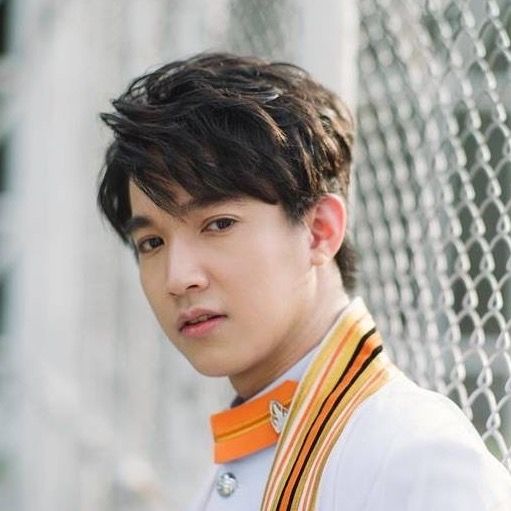
นพ.เรืองฤทธิ์ ศิริพานิช
“คณะแพทยศาสตร์ ม. ขอนแก่น เป็นที่ให้วิชาความรู้ความสามารถ รวมทั้งปลูกฝังจรรยาบรรณวิชาชีพแพทย์”